Skip to content
No results
  • Terms of use
Deskergonomics.site

Ergonomics for Office Workers & Remote Teams

Deskergonomics.site

Ergonomics for Office Workers & Remote Teams

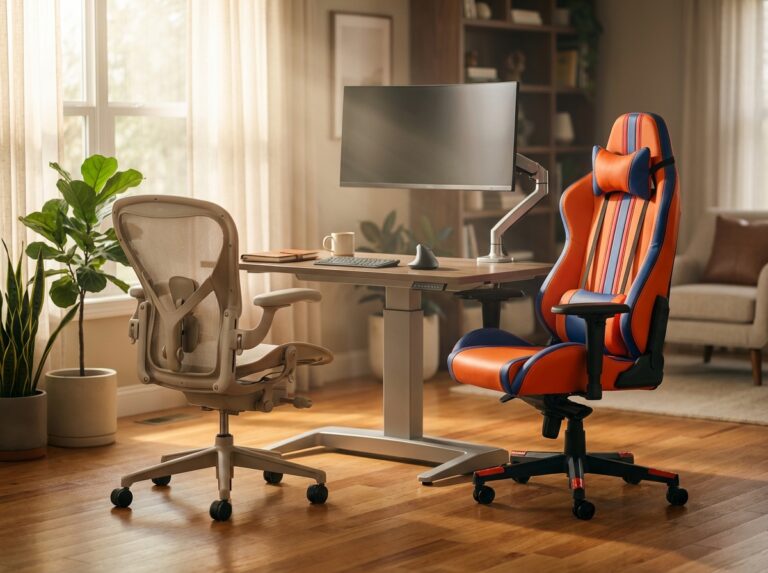
Home office with a gaming chair and an ergonomic office chair side by side, monitor on an adjustable arm, keyboard and mouse, and a sit-stand desk in natural light.

Gaming Chairs vs. Ergonomic Office Chairs: Don’t Believe the Hype

  • Ergonomic Chairs & Seating

This article separates marketing from evidence when comparing gaming chairs and ergonomic office chairs. You’ll learn what makes a chair truly supportive, how to match features to your body and work habits, when a gaming chair can suffice, and how…
  • 24.12.2025
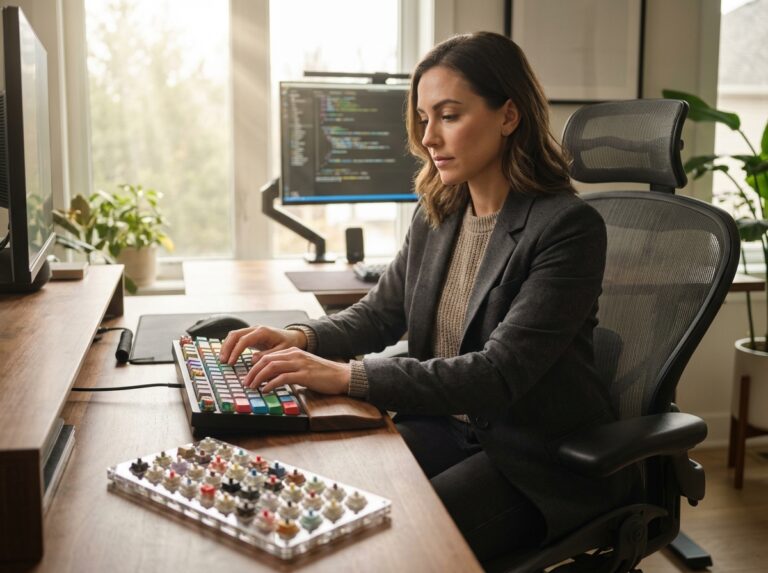
Ergonomic desk with split mechanical keyboard colorful keycaps switch samples wrist rest monitor and office chair in natural light

Mechanical Keyboards for Typists: Switch Colors and Ergonomics

  • Keyboards, Mice & Input Devices

Mechanical keyboards paired with an ergonomic desk can reduce wrist strain and improve typing comfort for office and remote workers. This article explores switch color families and technical specs plus ergonomic keyboard designs and setup strategies. You’ll get practical advice…

  • 24.12.2025
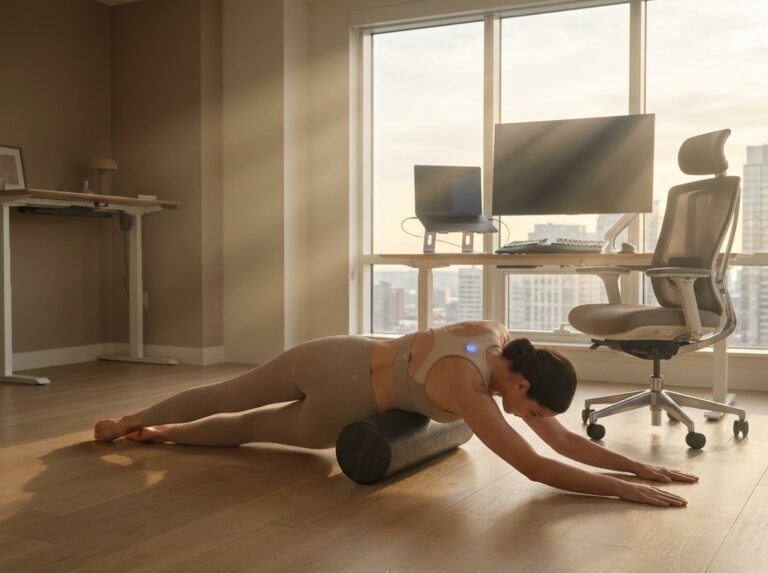
Office worker at an ergonomic desk wearing a slim posture corrector, adjusting monitor height with keyboard and chair visible, performing a thoracic stretch in a bright home office.

Do Posture Correctors Actually Work? A Physiotherapist’s View

  • Posture Correction & Pain Relief

Posture correctors are marketed as quick fixes for neck, shoulder, and back pain—but do they really work? This article explores evidence and clinical practice from a physiotherapist’s viewpoint, comparing devices (braces, wearable biofeedback) with proven ergonomic strategies. You’ll get research-backed…

  • 24.12.2025
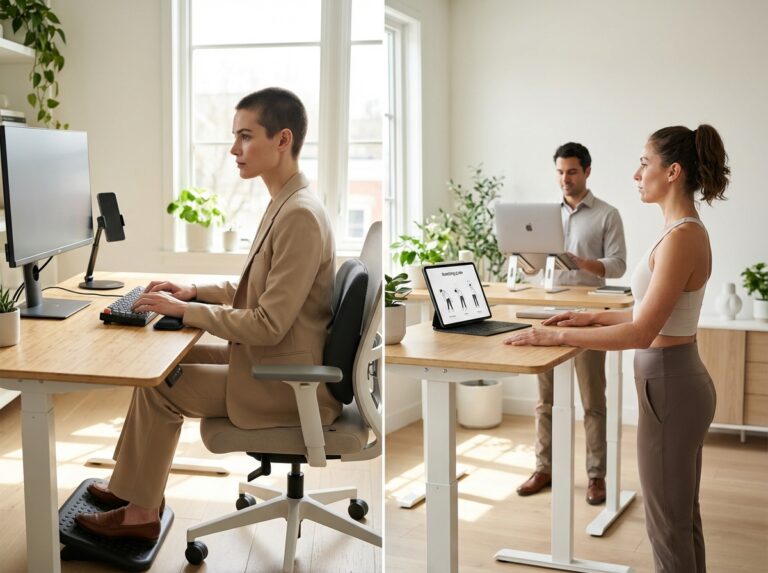
Office and home workstation showing ergonomic desk setup with monitor at eye level phone mount and a worker performing a chin tuck stretch

Text Neck Syndrome: Symptoms, Exercises, and Prevention Strategies

  • Posture Correction & Pain Relief

Text Neck Syndrome is a common overuse injury resulting from prolonged forward head posture while using smartphones and laptops. This article explains symptoms, risk factors, and evidence-based exercises, plus practical ergonomic setups for office and remote workers. Learn how to…

  • 24.12.2025
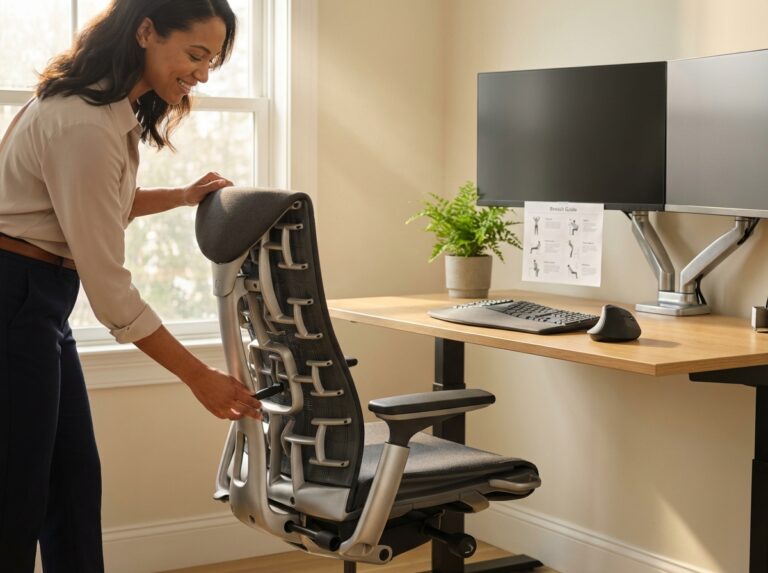
Person adjusting an ergonomic office chair with visible lumbar support in a modern home office setup with dual monitors and ergonomic accessories

10 Best Ergonomic Office Chairs for Back Pain in 2025: Ultimate Guide

  • Ergonomic Chairs & Seating

Back pain tops the list of complaints from office workers and remote teams. This 2025 guide evaluates the 10 best ergonomic office chairs for back pain, explains evidence-based selection criteria, and details how to set up and maintain your workspace.…

  • 24.12.2025
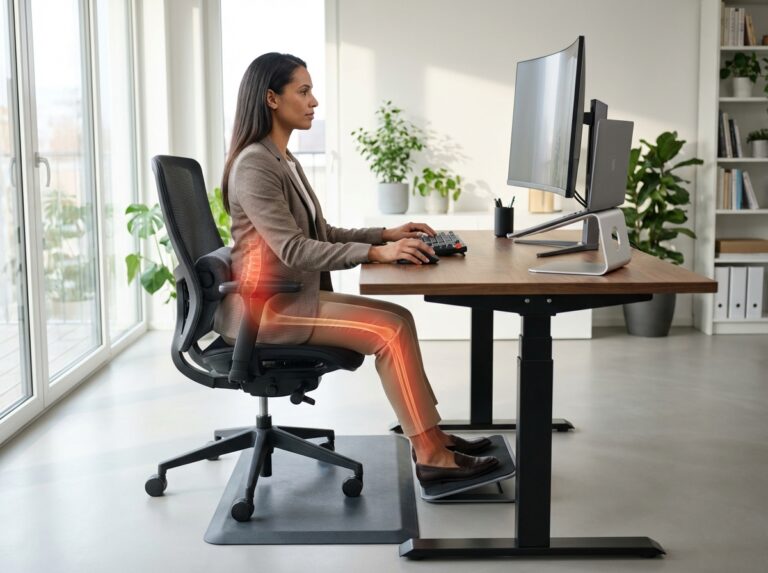
Office worker sitting at an ergonomic desk with lumbar support and monitor at eye level; lower back and right leg highlighted to indicate sciatic nerve pain.

Sciatica Pain Relief: How to Sit Without Hurting Your Nerve

  • Posture Correction & Pain Relief

Sciatica can turn a normal workday into a painful struggle. This article explains why sitting affects the sciatic nerve and gives practical, evidence-informed ergonomics and movement strategies for office workers and remote teams. Follow step-by-step desk setup, sitting adjustments, and…

  • 24.12.2025
Prev
1 2

Explore

  • Advanced Setup Guides
  • Budget & DIY Ergonomics
  • Daily Stretching & Movement
  • Ergonomic Chairs & Seating
  • Keyboards, Mice & Input Devices
  • Monitor & Screen Configuration
  • Office Lighting & Environment
  • Posture Correction & Pain Relief
  • Standing Desks & Workstations

Trending

  • Side by side Herman Miller Aeron and Steelcase Leap in a bright home office with monitor keyboard and ergonomic accessories
    Herman Miller Aeron vs. Steelcase Leap: A Comprehensive Comparison
  • Bright modern home office showing an IKEA-hacked sit-stand desk with monitor arm, ALEX drawers, ergonomic chair, cable management and anti-fatigue mat
    Ikea Hacks for Custom Home Office Desks
  • Split image of an office worker showing poor slouched posture with anterior pelvic tilt on the left and corrected ergonomic seated posture plus hip flexor stretch on the right in a home office setup.
    Anterior Pelvic Tilt: Fixing the ‘Office Chair’ Posture
  • Office worker adjusting an adjustable monitor arm in a bright home office, showing correct monitor height and neutral posture with external keyboard and mouse
    Correct Monitor Height to Prevent Neck Strain: A Visual Guide
  • Modern ergonomic home office with dual monitors on left and a curved ultrawide on right, ergonomic chair and person stretching
    Dual Monitors vs. Ultrawide: The Productivity Showdown
  • Minimalist ergonomic home office desk with neatly routed and bundled cables hidden under the desk, monitor arm, laptop and docking station, visible cable tray and clips, natural light
    Ultimate Cable Management Guide: From Mess to Minimalist
  • Person at an ergonomic desk doing a seated thoracic extension stretch with monitor, keyboard, and plant visible in a bright home office
    5-Minute Desk Yoga Routine for Stress Relief
  • Two office workers doing desk stretches at ergonomic workstations, one seated spinal twist and one standing hip flexor stretch
    Desk Stretches for Lower Back Pain Relief
  • Worker at an ergonomic sit-stand desk in an open-plan office wearing over-ear noise cancelling headphones focused on dual monitors while coworkers work in the background
    Noise Canceling Headphones for Open Offices: Top Picks
  • Ergonomic home office with blue light glasses on the desk, a monitor displaying a warm-toned screen and night mode slider, and an open laptop with a remote team call
    Blue Light Glasses vs. Software Filters: Saving Your Eyes
2026 © Deskergonomics.site
  • Sitemap
  • Terms of use
  • Privacy policy
  • DISCLAIMER