Monitor & Screen Configuration

Correct Monitor Height to Prevent Neck Strain: A Visual Guide

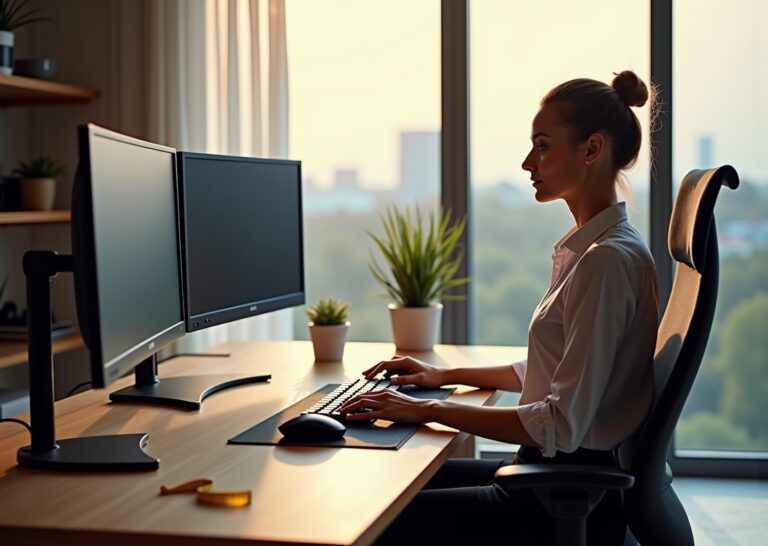
Office worker adjusting an adjustable monitor arm in a bright home office, showing correct monitor height and neutral posture with external keyboard and mouse

Neck strain from poorly positioned monitors is a leading complaint among office workers and remote teams. This guide explains why monitor height matters, how to measure and set the correct screen position for different setups, and practical fixes — from…
Dual Monitors vs. Ultrawide: The Productivity Showdown

Modern ergonomic home office with dual monitors on left and a curved ultrawide on right, ergonomic chair and person stretching

Choosing between dual monitors and an ultrawide display shapes workflow, desk ergonomics, and physical comfort. This article compares the two layouts through the lens of ergonomics for office workers and remote teams, covering productivity tradeoffs, proper monitor placement, chair and…

Blue Light Glasses vs. Software Filters: Saving Your Eyes

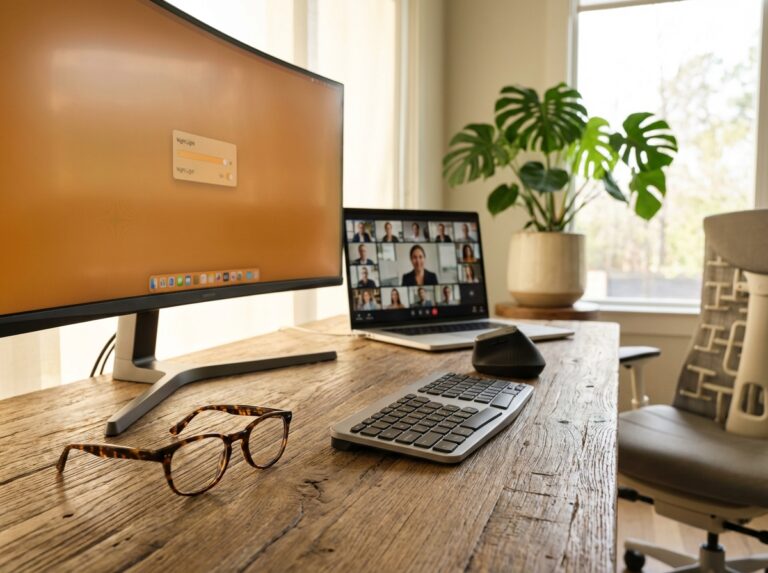
Ergonomic home office with blue light glasses on the desk, a monitor displaying a warm-toned screen and night mode slider, and an open laptop with a remote team call

Blue light glasses and software filters are popular tools for protecting eyes in office and remote work setups. This article explains how blue light affects vision and sleep, compares evidence for glasses versus digital filters, and outlines how to combine…